
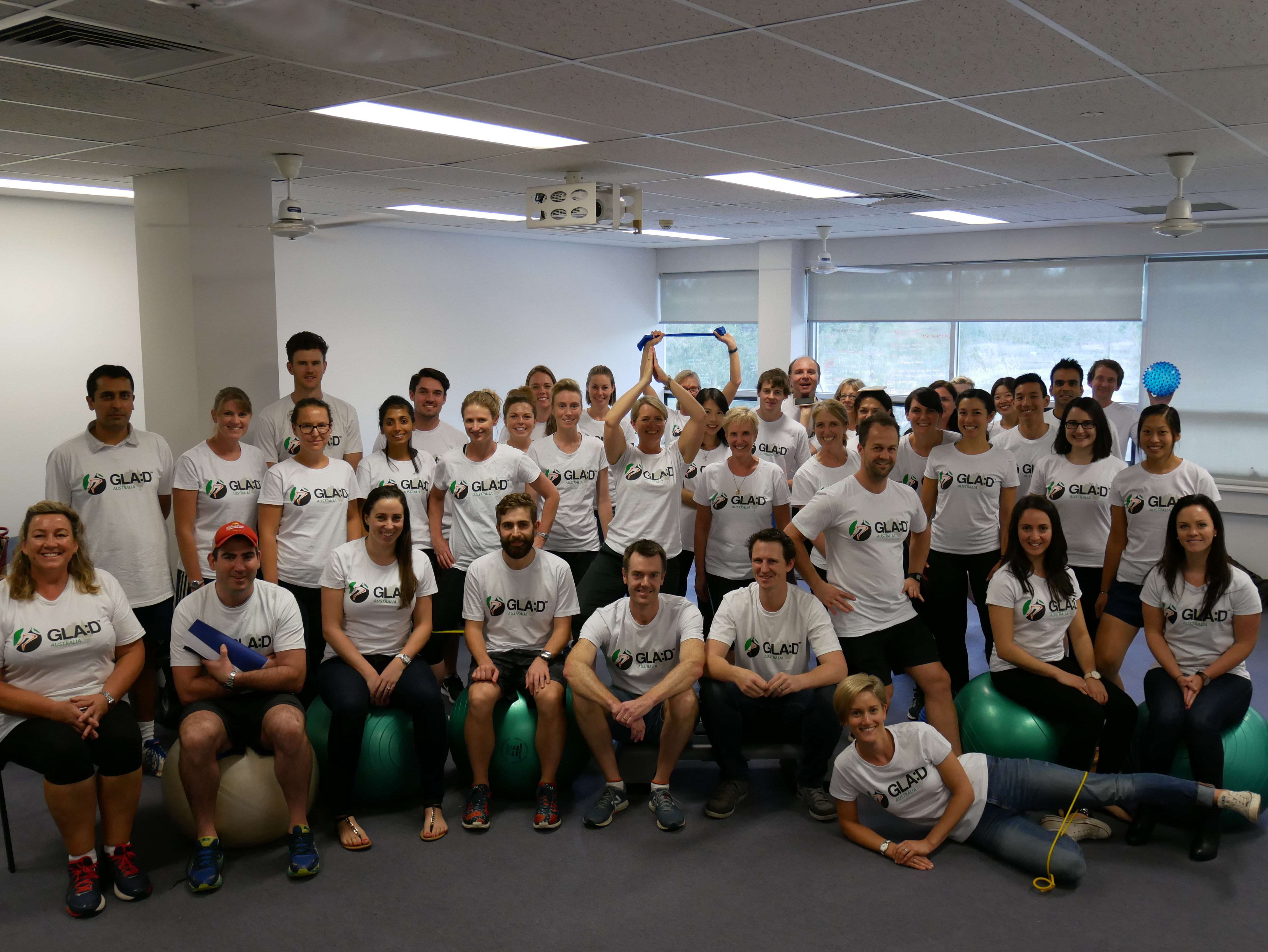
Here is the GLA:D Tutor Role Description and Orientation Tutors_Orientation
Sessional Workers
If you are not a current LTU employee, you are required to invoice LTU for the consulting services you provided as part of the course. See the Tutor_invoice_checklist and Tax_Invoice_sample_ for further information.
LTU Employees – this section updated 14 Feb 2025
We have recalculated these hours based on the recent changes to the EA and the hourly rate increases. The below is based on Level A Step 8 Academic Staff rate which is currently $56/hr. Please adjust according to your current rate (this is individual and depends on length of employment etc), and please get in touch if you have any questions.
- If the course is a full day (up to 7.25 hours), on a day you are already paid to work 7.25 hours, you will enter an extra 7 hours into myHR ($800 for 7.25 hours (total 14.5 hours entered))
- If the course is a half day (up to 4 hours), on a day you are already paid to work 7.25 hours, you will enter an extra 5 hours into myHR ($500 for 4 hours (total 9 hours entered))
- If the course is on a day you don’t normally work, you will enter an extra 14.5 hours into myHR for a full day or 9 hours for a morning or afternoon session.
- This way your total course delivery pay is equivalent to someone who is invoicing.
- These hours must be entered on weekdays and on days where you are not already paid to work a full day (up to 7.25 hours). You may need to spread this over a few pay periods.
If you prefer you can submit an invoice using the sessional tutors invoicing instructions.
| Name | Email address | Phone number |
| Ali Gibbs | algibbs82@hotmail.com | 0424 739 503 |
| Christian Barton | christian@complete.com | 0403 012 914 |
| Christian Bonello | C.Bonello@latrobe.edu.au | 0432 936 773 |
| David Thwaites | david@completesportscare.com.au | 0431 605 537 |
| Jacqui Couldrick | Jacqui.Couldrick@canberra.edu.au | |
| Jane Rooney | jrooney@iinet.net.au | 0407 271 550 |
| Jason Wallis | JWallis@cabrini.com.au | 0421 315 831 |
| Jennifer Laver-Scott | jennifer@wakefieldsports.com.au | |
| Jo Kemp | J.Kemp@latrobe.edu.au | 0410 175 435 |
| Karen Dundules | k.dundules@latrobe.edu.au | 0414 784 047 |
| Marcella Ferraz Pazzinatto | M.FerrazPazzinatto@latrobe.edu.au | 0415 506 882 |
| Matt Francis | M.Francis2@latrobe.edu.au | 0401 402 565 |
| Michelle Smith | m.smith5@uq.edu.au | 0466 003 447 |
| Natalie Tyson | natalie.tyson@outlook.com | 0451 150 342 |
| Natalie Collins | n.collins1@uq.edu.au | |
| Nick Laverty | jlaverty@live.com.au | |
| Paula Pappalardo | p.pappalardo@latrobe.edu.au | |
| Pete Edwards | peter.edwards1@curtin.edu.au | |
| Rhiarna Hill | rhiarna.hill@gmail.com | |
| Zuzana Perraton | Z.Perraton@latrobe.edu.au | 0407 828 863 |
- Visit the attendees web-page and follow the steps to check your technology (microphone and camera in particular). Contact the team at GLAD.Australia@latrobe.edu.au if you’d like to check things with someone else.
- Open links and documents beforehand (all you will need is either on this page or the attendees web-page).
- Try to avoid busy backgrounds and over-lighting when on-camera, especially for discussions and conversations.
- Attend the meeting/session from 10 minutes prior to the start. Attendees get anxious if left waiting (and start ringing, emailing etc). We will open sessions 5 minutes prior to the start time to allow for attendees to make technical adjustments and call for help. If tutors need to have discussions once a prac session opens, we can allocate you to a breakout room.
- Here is a link to some good online meeting etiquette tips; not all applicable or appropriate but good to keep in mind.
| Date | Host | Tutor | Tutor | Tutor |
| Thursday 16 April 9am-1pm, AEST (Melbourne time) | Karen | Zuzana | Rhi | |
| Thursday 16 April 1pm-5pm, AEST (Melbourne time) | Karen | Dave | Matt | |
| Friday 17 April 9am-1pm, AEST (Melbourne time) | Karen | Matt | Jen | Nick |
| Monday 20 April 9am-1pm, AEST (Melbourne time) | Karen | Nick | Paula |
Module 1: Self-directed
Module 2: Prac Sessions – detailed in the next section
| TIME | TOPIC |
| 9.00 / 1:00 | Physical Tests Presentation and practise |
| 9:45 / 1:45 | Participant Education presentation and role play |
| BREAK (shift time as needed!) | |
| 11:00 / 3:00 | Exercise Practicals (1, 2, 3, 4) and practise |
| 12:40 / 4:40 | Participant Registration |
| 12:50 / 4:50 | Questions and discussion |
Module 3: Monday 23 February
| TIME | TOPIC | Presenter |
| 10:00 | POLLS AND QUESTIONS: Education and Objective Assessment | |
| 10:15 | PRESENTATION: Resources and Support including website part 2 | Karen |
| 11:00 | PRESENTATION: Putting GLA:D in context | Christian |
| 11:35 | POLLS AND QUESTIONS: Exercise Progression and Modification | |
| 11:50 | Break | |
| 12:00 | PRESENTATION: Clinic Setup and Delivery | Natalie |
| 12:30 | Discussion and questions |
Drop-in sessions
Module 1 (Live online lectures) Zoom link: https://latrobe.zoom.us/j/88604466184
Module 2 (Online prac sessions) Zoom link: https://latrobe.zoom.us/j/88356494756
Module 3 (Implementation session) Zoom link: https://latrobe.zoom.us/j/88604466184
NEW Module 2 Presentation
- Full Presentation – Full_Module_2_Presentation_embedded_videos.pptx
- Without embedded videos – Full_Module_2_Presentation_embedded_videos.pptx there are external links placed on the page but no embedded media, so should be a smaller file for download if you’re having issues.
- All Updated Presentations: Course Presentations 2026
- Recorded Talks: Current training presentation recordings
Launch the Full Module 2 presentation at the beginning of the session and use it to guide you through. There is a version without the videos embedded – weblinks are there to use instead – if you’re having trouble with the size of the presentation.
- Ask participants to name their devices according to their own name and all present at that device.
- Reinforce that cameras should be on but can be switched off if there are issues – just let the host know in the chat.
- Introduce tutors and any observers.
- Highlight course webpage and resources found there
- Participant introductions will take place in breakout rooms
- If issues with camera/audio – can use a phone as a second device which can be added to the same breakout room
Please use the first breakout session (and more if needed) to assess the dynamics of the group and decide whether it would be better to redistribute people. We work on the principle of 3 to 5 people per room (2 rooms per tutor).
- Go through presentation
- OARSI videos – direct links and videos also embedded in presentation
- Hop for distance video here https://youtu.be/Gxs5nVnE4Yg – also embedded into presentation
- Breakout rooms – 7 minutes: Introductions and practice chair stand test (and record highest scores!)
- Questions and who got the highest score!
- Introduction to Education – first few slides are repeated from the Module 1 lecture. These slides are reminders and for reference during the activities and do not need to be reviewed in-depth
- Define OA: First breakout activity 7 minutes – in breakout rooms, discuss and agree on ‘good’ explanations/definitions for Osteoarthritis to use with clients/patients.
- Ask them to appoint one person from each group to feed back afterwards.
- Share what each room comes up with, use the POLL to record.
- Practise the slides from the Participant Education presentations 15 minutes. There are just a few selected slides from the presentations. Go into groups and practise one or two slides each. NB They should use the slides as they are in the Module 2 presentation pdf ie no notes. We can reassure them that there are notes accompanying the slides for when they actually do the presentations.
- Case scenarios 1 and 2 7 minutes each.
- Break out into groups and use the resources to role play the case scenarios.
- MAKE SURE EACH ROOM APPOINTS A SPOKESPERSON FOR EACH BREAKOUT SESSION.
- Get each group to report back on a key observation or learning from their role playing, spend some time talking through the range of conversations that could be had with each scenario.
- Rapid fire Common Questions 10 minutes. In the main room. Go through each question, a couple of minutes each, either answer by speaking or in Chat
- Other questions to think about – not to answer in session
Additional Tool: Teach Back
This is an excellent tool for 1:1 behaviour change work. Here are a couple of 5-minute videos that highlight it https://youtu.be/d702HIZfVWs https://youtu.be/cllXBnHBiD4 – it’s really straightforward but very effective and can be used with goal setting too to get a mutual understanding of next steps.
Here is a handout on using Teach-Back from the Centre for Ethnicity and Health: CEH_Teach-back
- Share presentation on-screen – attendees can refer to presentation or the full program in clinicians’ dropbox
- Go over pain monitoring, warm-up. Both sides is the goal, although maybe not initially – may focus just on most affected joint/side, or least affected if irritability is an issue.
- Highlight – program is not a ‘recipe’, but is a framework. Exercises are personalised to the individual (560 “group” vs 561 “class”). Important to ‘breed success’ through using clinical judgement for progression. For GLA:D program, theraband should be used – portable and good for home. Machines are progressions after program.
- Attendees are expected to practise the exercises as part of their training course.
- Use a ‘role play’ approach as for the education case scenarios: they need to nominate a ‘patient’ and a ‘clinician’ and observers in the breakout rooms for the NeMEx, and switch around.
- Timing for breakout sessions:
- Core strength 7 minutes
- Sliders 10 minutes
- Hip/Knee strength 8 minutes
- Functional 5 minutes
- Plenty of time for discussion in between breakout sessions
Guidance questions for NeMEx practice – things for clinicians to consider during breakout sessions: (word doc)
- Core: Q1: How could you modify exercises if the patient finds it difficult to get down and up off floor? Q2: How could you modify the bridging exercises if the patient starts complaining of back pain?
- Sliders: Q1: How can you modify/alter exercise if the patient has really poor balance?
- Strength: Q1: How can you modify/alter theraband exercises for abd/add if patient starts complaining of hip and/or knee pain (or an increase)? Q2: How can you modify knee E exercise if a patient complains of PFJ/knee pain in the last 15 degrees of extension?
- Functional: Q1: How can you modify/alter exercises if patient has balance issues with stairs? Q2: Often patients will have difficulty with steps/stairs. Other than within the home where else may they have difficulty with stairs (e.g. tram/bus), refer to your own clinical experience and what patients have told you in the past?
Issues that may be raised – don’t go through all of these (time is not likely to be enough) but be ready to respond if they are raised:
- Trunk strength: cover continence issues, acute LBP, osteoporosis (if it is raised by attendees – otherwise no need), getting on/off floor benefits – backward chaining
- Sliders/Lunges: progressions use level of support / stability vs instability / range of motion. Monitor knee flexion / HKA alignment. Highlight working leg as per picture. Can start with backwards lunge. Main focus is dynamic control. Use a mirror, XR slider or substitute eg ice cream lid, laminated page.
- Hip/Knee strength: Hip abd – if too hard, keep toes on floor; stand supporting leg inside the band too. Hip add – don’t cross midline; use a small raise to elevate stance leg to stop risk of dragging moving leg; big jump L3-4 (Copenhagen) rare progression but can shorten lever; L4 can flare up pes anserinus, shoulder issues; can get same EMG activity in adductor longus with band as with Copenhagen so don’t have to progress to that. Hips – Use antr/postr pelvic tilt to adjust. Knee fl – knee below hip rather than above to reduce hip hitching and hip flexor overload; sit forward on chair to reduce potential pressure on bursae; if band irritating AT, can loop around heel of shoe. Knee ext – show NeMEx video (embedded in presentation) for looping theraband around foot (39 sec onwards). Can start as isometric if needed eg PFP.
- Functional: Sit to stand – monitor alignment, use ball/theraband, consider pelvic position, can progress to single leg. Step – use mirrors and broomstick to help with alignment, step down onto a book to decrease load on PFJ.
Reminder: Data Collection presentation in Module 1
Breakout: Go to https://redcap.link/GLADTraining and register a participant, have a look at the emails that come through and what the baseline questionnaire looks like.
Reference: How To Register a Participant video https://gladaustralia.com.au/registry/